This website requires Javascript for some parts to function propertly. Your experience may vary.

Step-by-Step technical guide: LIN Bus to CAN | STAR ELECTRONICS

How to integrate LIN Modules into a CAN Architecture: Step-by-Step Technical Guide

Designing modern automotive systems often requires combining low-cost LIN nodes with a high-speed CAN backbone. This mixed architecture allows engineers to balance cost, bandwidth, and functional safety.

In this guide, we walk through how to integrate LIN modules into an existing or new CAN-based architecture using transceivers, LIN2CAN gateways, and validation techniques based on the LIN protocol specification.

Why Combine CAN and LIN?

Feature

LIN

CAN

Speed

Up to 20 kbps

Up to 1 Mbps (Classic) / 5 Mbps (CAN FD)

Cost per node

Very low

Medium to high

Use case

Non-critical, body electronics

Real-time, safety-relevant

Topology

Master/Slave

Multi-master

Protocol stack

Lightweight, software-driven

Hardware + protocol controller

Typical use case: A CAN-based ECU controls the vehicle’s main systems, while LIN-based slave devices manage windows, lighting, seats, or sensors.

Mixed Architecture Overview

Common Setup:

  • CAN Backbone: Connects major ECUs (powertrain, body, infotainment)

  • LIN Subnets: Connect smart actuators or sensors via a local LIN Master

  • LIN2CAN Gateway: Bridges the LIN subnet to the CAN bus

Step-by-Step Integration

1. Define Functional Domains

Segment your architecture into:

  • Real-time control → CAN

  • Comfort/body systems → LIN

This reduces cost while maintaining performance and safety where needed.


2. Select a LIN2CAN Gateway

Choose a controller or dedicated IC that supports:

  • CAN RX/TX + LIN TX/RX

  • LIN Master scheduling

  • Frame buffering and translation

Examples:

  • MCU-based solutions (e.g. NXP S32K1xx series)

  • Dedicated LIN2CAN SoCs

  • External LIN/CAN bridges

Tip: Confirm the gateway supports message filtering, checksum handling, and error management per LIN 2.x and ISO 17987.


3. Design Communication Flow

CAN Node → Gateway → LIN Master → LIN Slaves

Each message requires:

  • A CAN ID mapped to a LIN schedule ID

  • Periodic or event-triggered transmission mode

Use tools to define:

  • Schedule tables (LIN Master)

  • Translation rules (CAN-to-LIN mapping)


4. Implement and Connect

  • Use transceivers like TJA1021 (LIN) and TJA1042 (CAN)

  • Ensure proper terminations: 120 Ω for CAN, pull-up resistor for LIN

  • Keep LIN line length < 40 m and node count < 16


5. Validate Communication

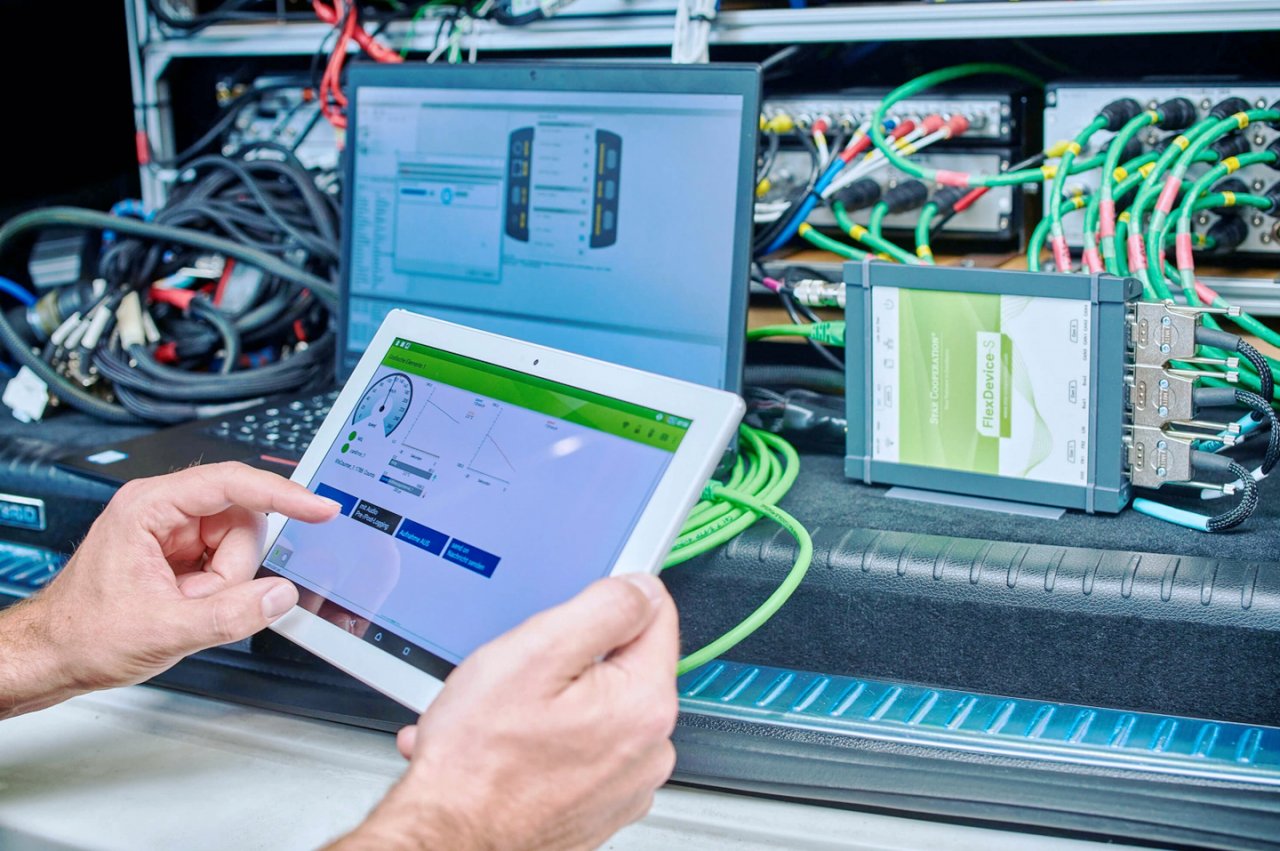
Use a LIN analyzer and CAN monitor to:

  • Validate message delivery and timing

  • Simulate LIN node loss or checksum errors

  • Measure frame latency across the gateway
Key Considerations
  • Avoid sending too many LIN messages through a single gateway

  • Validate slave node responses across temperature and voltage ranges

  • Follow ISO 17987 guidelines for checksum, sync, and timing

Conclusion

Integrating LIN into CAN-based architectures provides flexibility and cost efficiency when done correctly. By using tested gateways, clear message mappings, and validation tools, you can build a reliable mixed network.

STAR ELECTRONICS offers LIN2CAN bridges, compatible transceivers, and technical support to help you bring your multi-bus architecture to life.

Explore our hardware and tools catalog or contact our technical team for tailored recommendations.

Glossary

Term

Definition

LIN (Local Interconnect Network)

Serial protocol for low-speed, non-critical automotive communication

CAN (Controller Area Network)

High-speed protocol for real-time and safety-relevant vehicle systems

LIN2CAN Gateway

Device that translates messages between LIN and CAN networks

Transceiver

Hardware component that converts and transmits signals between devices

Schedule Table

Predefined timing structure for LIN communication

ISO 17987

International standard defining LIN protocol specifications

TJA1021 / TJA1042

LIN and CAN transceiver ICs commonly used in automotive applications

Multi-bus architecture

Network design combining multiple communication protocols

Frame latency

Time delay between message transmission and reception

Checksum

Error-checking value used to verify data

Contact us

Back to top